
Transmit OSC
Turn every phone in the room into an instrument. Motion, sound, face, body and hand tracking, faders and pads — sent as OSC over Wi-Fi to Max/MSP, TouchDesigner, Pure Data, Ableton or anything that speaks OSC.
Made by atomat lab for workshops, performances and installations. Everyone types a name, scans a code,
and every phone gets its own addresses — /anna/motion/tilt — so twelve phones never get mixed up.
Screens
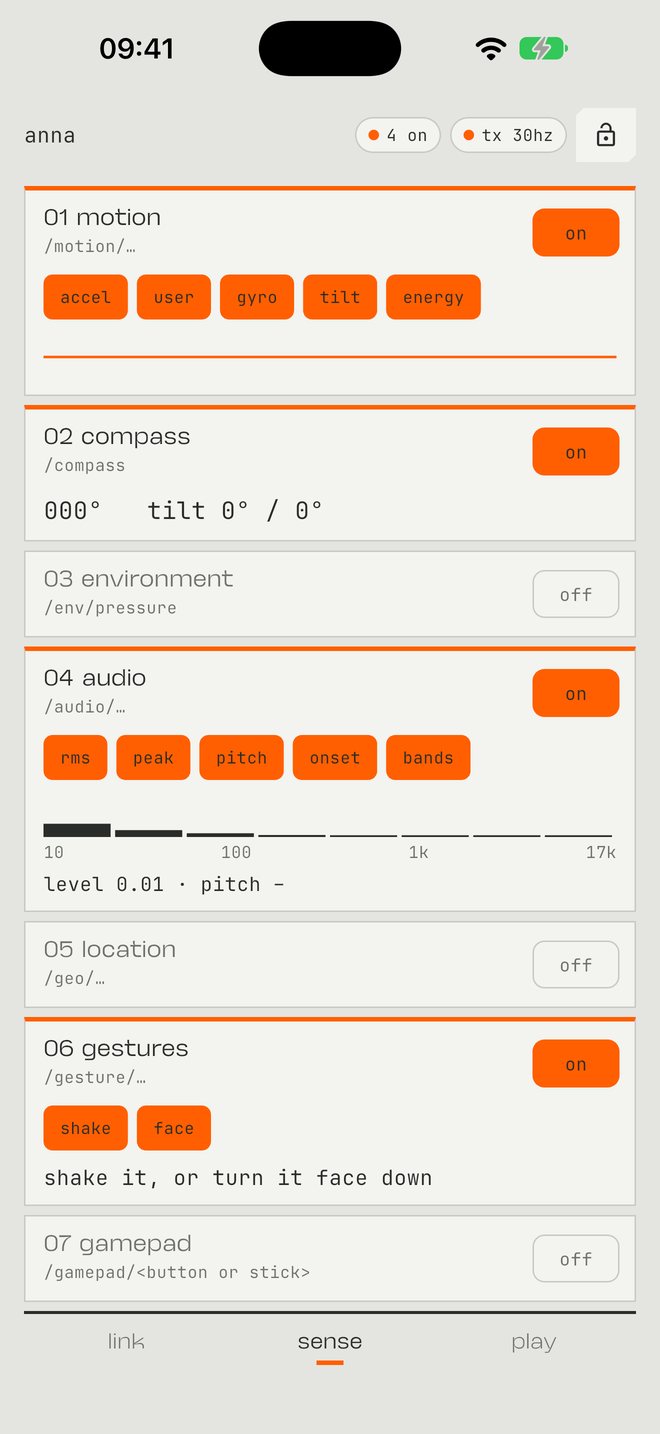
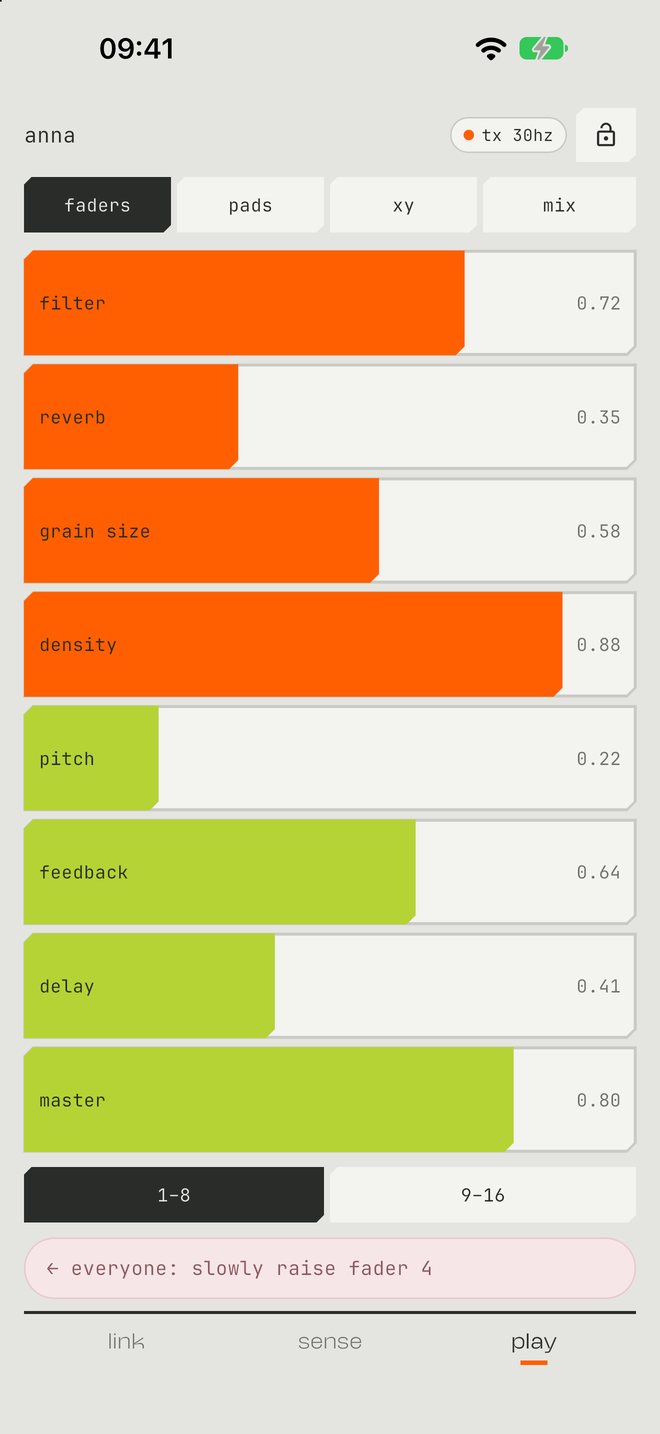
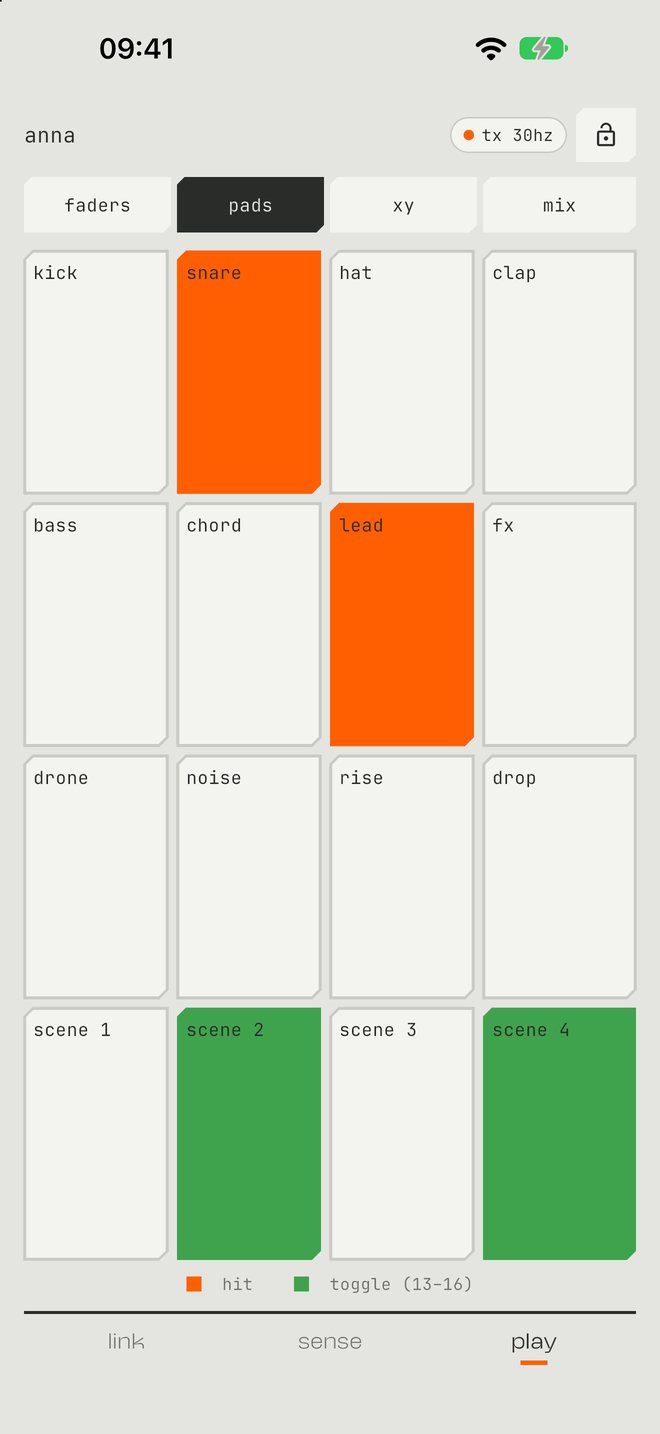
link · sense · play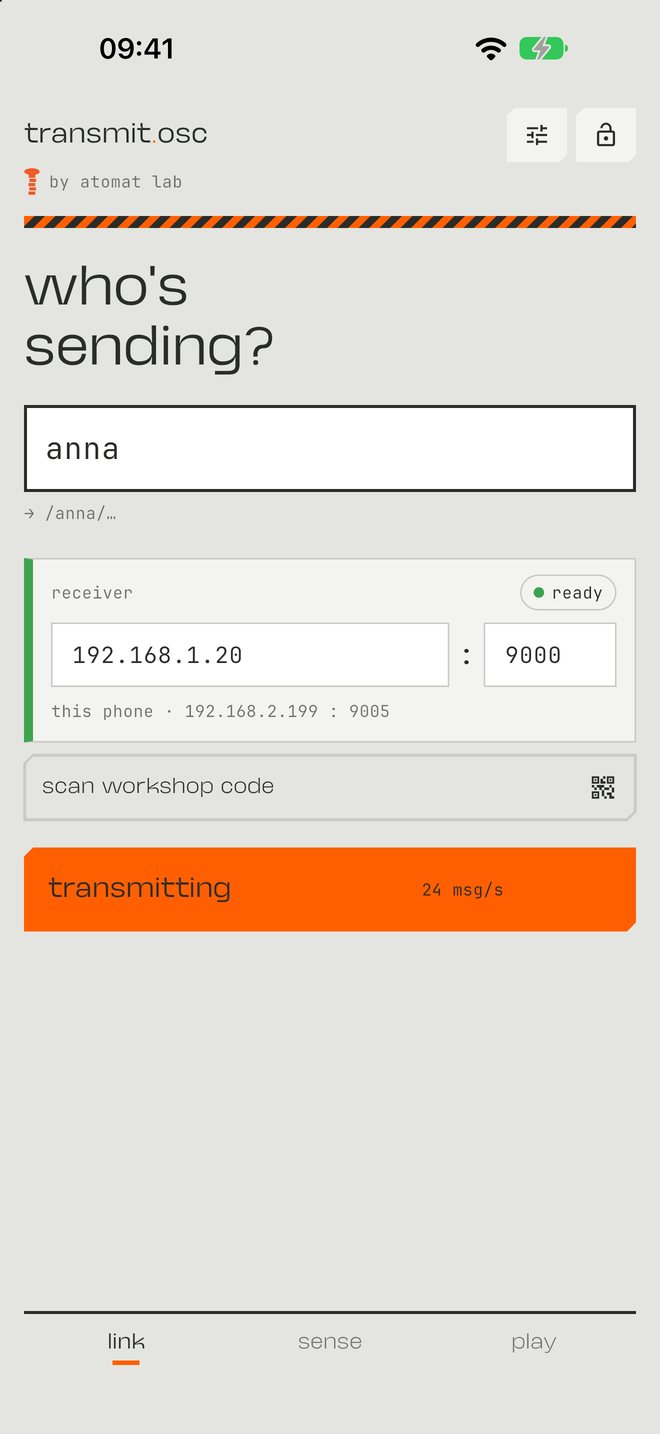
What it sends
| Motion | Acceleration, gyroscope, tilt, shake energy |
|---|---|
| Audio | Loudness, pitch, onsets, 8 bands — no sound leaves the phone |
| Camera | Face, body (13 points), hands, colour |
| Place | Compass, air pressure, location, outside temperature |
| Controls | 16 faders, 16 pads, multitouch XY, keys, sequencer |
| Gamepads | Any Bluetooth game controller |
Built for workshops
- Scan a QR code to connect in seconds
- Switch every sensor, and every part of it, on or off
- The computer talks back: rename faders, send messages, colour the screen, vibrate, flash
- Lock the screen — sensors keep sending
- Scenes, smoothing, record and loop, several receivers
- MIDI out over the network, USB or Bluetooth (full version)
Everything works
All sensors and controls. Sending pauses for 10 seconds every 30 seconds, and MIDI out is off.
One time, for good
No pauses, MIDI out. No subscription. Restore it on a new phone with the same store account.
No accounts, no tracking
Your data only goes to the computer you choose. Camera and microphone are analysed on the phone. Privacy policy →
Support
How to use →Questions, a workshop setup, or something not working? Write to contact@atomatlab.com with your phone model and what you’re sending to.